Why this test is different
Every other test in this series starts with something you hand over: a URL, a cloud account, a binary. A wireless pentest starts with what your building broadcasts. Radio does not stop at the wall, so the first attacker in the queue is someone in the car park.
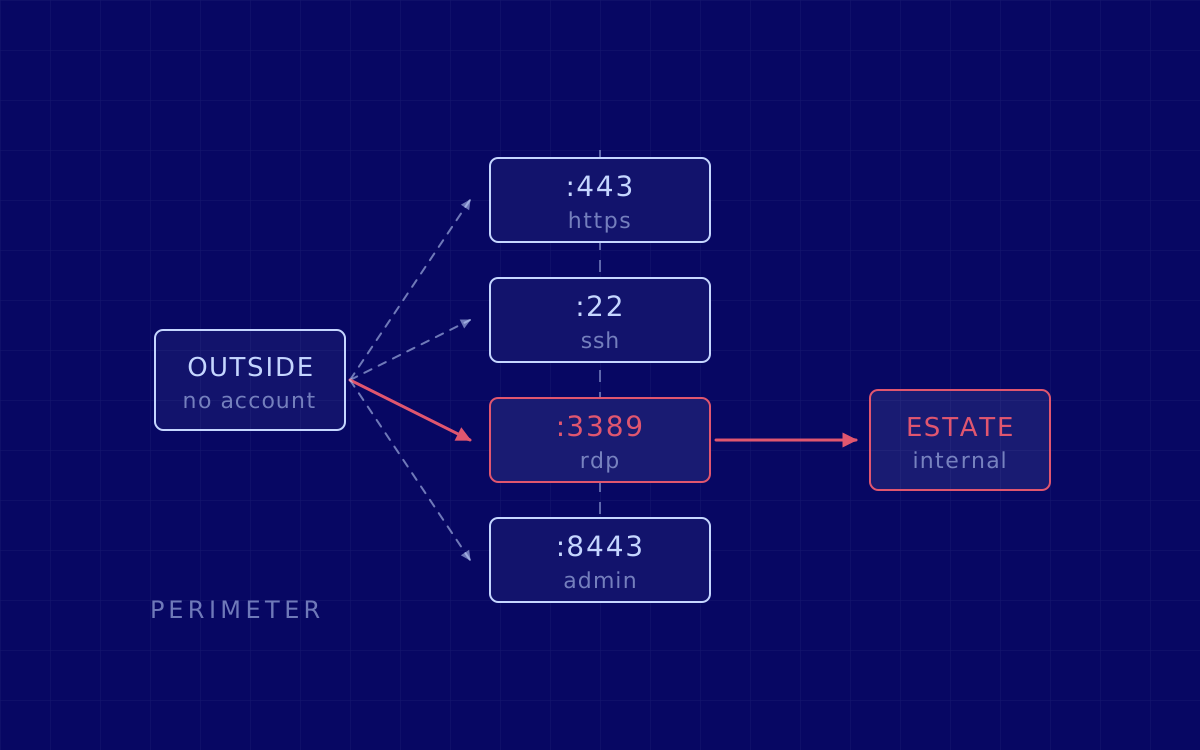
So it runs on site, across the 2.4, 5 and 6 GHz bands, answering three questions in order: what can be seen from outside, what can be joined, and where joining leads. The third turns a Wi-Fi finding into a business finding.
A "dual connected" client sits on a wired network and a wireless LAN at once, and the risk NIST names is that an attacker who gains wireless access to that client then uses it to attack resources on the wired network (NIST SP 800-153). Wireless is rarely the prize. It is the door.
Phase one: scope and the rules of engagement
Nothing is switched on until the paperwork is right. The rules of engagement for a wireless test carry constraints the other disciplines never meet, because the medium is shared with people who are not your staff.
- The sites, and the physical positions we may test from. A car park is not a neighbour’s landing.
- The SSIDs in scope, and the ones explicitly out. Your neighbours’ networks are always out.
- Whether de-authentication is permitted, on which SSIDs, in which hours.
- Named contacts on site, and a stop condition anyone can invoke.
Two of those are published guidance, not house style. NIST tells assessors not to scan devices owned by neighbouring organisations within range, and to focus on identifying and locating potential rogue devices rather than actively scanning them. It adds that the detection system’s administrators may need warning of pending scanning, so they are ready for the alarms (NIST SP 800-115, section 4.4.2).
What you need ready before day one
Grey box is the normal starting position: you give us the SSIDs and the sites, we get no corporate credentials.
- An access point inventory. Model, firmware, site, controller. If it is incomplete, say so: an incomplete inventory is itself a finding.
- Controller and RADIUS topology. Which server authenticates whom, which 802.1X EAP method is deployed, and who issued the server certificate.
- The SSID map. Corporate, guest, IoT, BYOD, events, and any legacy SSID nobody retired.
- The intended segmentation. Not the old diagram: what the VLANs and ACLs enforce today.
- Physical access. Badges, escorts, and the hours we can be in the building.
- A guest voucher, if guest access needs one. We also test what happens without it.
Phases two and three: listen, then choose the route
Reconnaissance here is genuinely passive to begin with. Passive scanning tools transmit no data and do not affect the operation of the deployed devices (NIST SP 800-115, section 4.4.1), so the opening hours cannot break anything. That pass produces:
- Every beacon in range, per band, with the security suite each SSID actually advertises rather than the one the controller claims.
- Which devices probe for which networks, and what that says about where your people have been.
- Signal reach against the floor plan, so you see how far each SSID stays usable outside the building.
- Devices that are not yours, and yours that should not be there.
The limitation worth knowing before it surprises you
Only active wireless devices are discoverable during a wireless scan (NIST SP 800-115, section 4.4). A test run on a Tuesday afternoon does not see the access point that only wakes for the night shift. Scheduling is a scoping decision, not an administrative one.
Then we pick the routes worth the time. An industrial unit on WPA3-Enterprise with no guest network is not a shared office block with an open events SSID left up since 2023.
Phase four: the part that is only wireless
This is where the engagement stops resembling a network test. It splits by what your SSIDs run.
Pre-shared key networks
The question is how cheaply the key comes off, and since 2018 that has not needed a four-way handshake at all. The PMKID attack lifts the PMKID from the RSN information element of a single EAPOL frame, needing neither a full capture nor a client to connect; its author expected it to work against 802.11i/p/q/r networks with roaming enabled (hashcat, August 2018).
802.1X networks
The target is the trust decision the client makes, not the key. NIST is blunt: an attacker can easily defeat weak authentication methods by setting up a rogue access point, which is why the guidance is to use EAP-TLS whenever possible (NIST SP 800-97). Where certificates authenticate only the authentication server, the client needs a copy of that certificate to authenticate it. If your devices do not check it, a look-alike access point collects the exchange and your PKI never gets a say.
Everything around the radio
Captive portals and controller consoles are web applications, tested against the OWASP Web Security Testing Guide. Firmware counts too: CVE-2023-25717, affecting Ruckus ZoneDirector, SmartZone and Solo access points, sits in the CISA KEV catalogue, added on 12 May 2023. And where WPS survives, a design flaw cuts the PIN search space from 108 to about 11,000 attempts: the access point reveals whether the first half is right, and the last digit is a checksum (CERT/CC VU#723755).
Phases five and six: attack, then follow it inside
Findings are only findings once proven, inside the limits agreed in phase one. What earns its place most often:
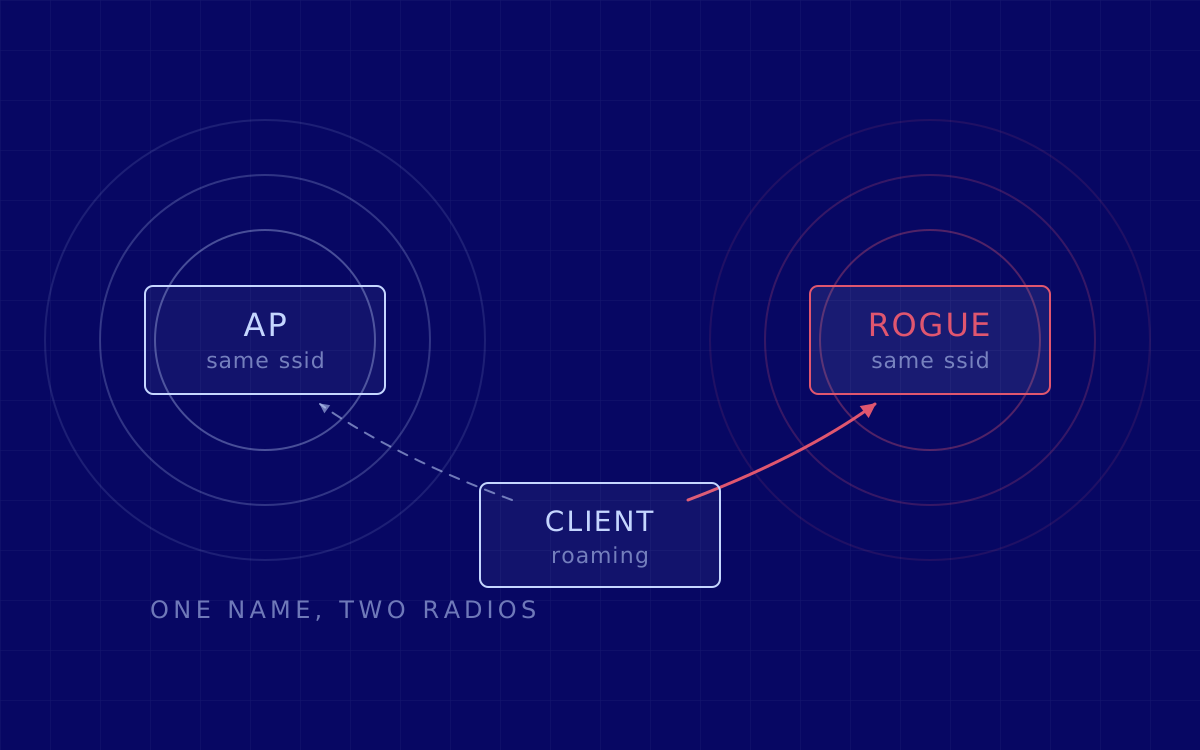
- A rogue access point cloning a legitimate SSID. MITRE catalogues this as T1557.004, Evil Twin, under Credential Access and Collection, noting that a user may be directed to a fake login page or captive portal to capture their credentials. On your estate, that evil twin attack points at staff laptops.
- Offline recovery of a pre-shared key from captured material, against realistic wordlists.
- The guest-to-corporate crossing: join as a visitor would, then try to reach anything that is not the internet.
Protocol flaws get named precisely. CVE-2017-13077 allows reinstallation of the pairwise transient key temporal key during the four-way handshake, so an attacker within radio range can replay, decrypt or spoof frames; NVD scores it 6.8 on CVSS v3.0. CVE-2019-9494 affected SAE in hostapd and wpa_supplicant up to version 2.7, where timing differences and cache access patterns leaked enough for full password recovery. Vendor updates exist for both, and both are still live in estates whose access points were never updated.
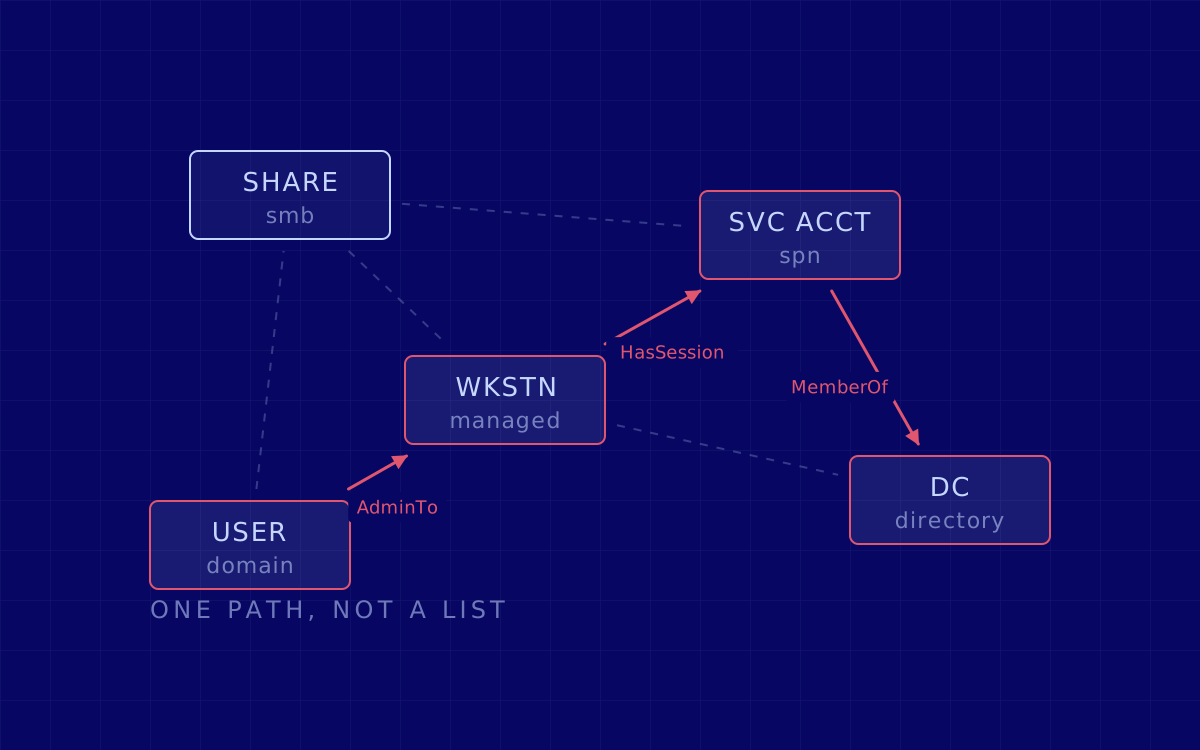
Then we follow it. A credential captured over the air is worth reporting; the same credential used for lateral movement into a file server is worth fixing this quarter.
Phase seven: the report, then the retest
The deliverable has to work for two audiences who read nothing alike.
- An executive summary a non-technical stakeholder can read end to end: what someone outside your building could reach, and what it would cost.
- Findings ranked by business impact, each with a reproducible proof of concept: the position, the frames, the configuration.
- A tested statement of isolation: whether guest, IoT and BYOD are genuinely separated from corporate, and by what. That is a network segmentation result, not a controller screenshot.
- An access point and SSID inventory as measured, often the first accurate one you have held.
- Remediation guidance naming the setting, the device and the owner.
For an audit folder, traceability matters as much as the findings: scope, method, dates and signed retest evidence. That expectation is converging across frameworks.
Then the retest, which wireless needs more than most. A fix here is usually one controller or RADIUS change that has to propagate to every access point and client profile, and propagation is where fixes fail quietly: one site on an older firmware branch, one SSID missing from the profile. Nothing in the console says so.
How long it takes, and the frameworks behind it
A single site is typically a few days of on-site testing, plus scoping before and the retest after. Multiple sites, or a complex controller and segmentation setup, run one to two weeks. The range moves with the number of sites and the distance between them, the number of SSIDs and distinct configurations behind them, whether 802.1X is in play, and how complete the inventory is on day one.
On cadence rather than duration, NIST recommends a technical wireless LAN security assessment at least annually, plus periodic assessments at least quarterly unless continuous monitoring already collects everything those assessments would produce (NIST SP 800-153, section 3.4).
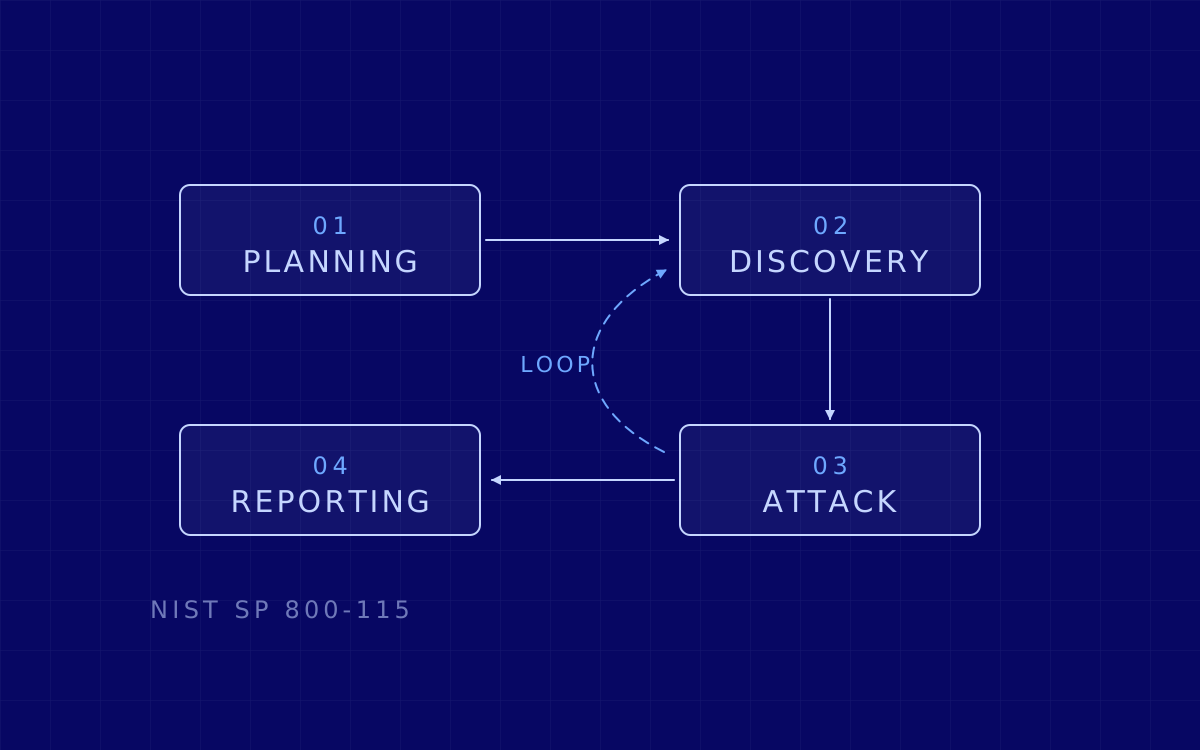
Four documents give the engagement its spine, named in the report so an auditor can follow the shape. PTES for the structure: seven sections running from pre-engagement interactions through intelligence gathering, threat modelling, vulnerability analysis, exploitation and post-exploitation to reporting. NIST SP 800-115 for the method: four phases, planning, discovery, attack and reporting, with the wireless scanning guidance quoted throughout this article in its section 4.4. NIST SP 800-97 for how 802.11 authentication should be chosen. OWASP WSTG v4.2 covers the portal and controller interfaces, and MITRE ATT&CK names the techniques.
What a wireless pentest does not cover
- It is not a site survey. We measure coverage where it creates exposure, not to tune performance.
- It is not a full internal pentest. We prove the crossing into internal systems and go far enough to establish impact. Mapping the whole estate from there is internal pentesting, scoped separately.
- It is not continuous monitoring. A rogue access point plugged in the week after we leave is a detection problem, and NIST keeps monitoring and periodic assessment as separate controls on purpose.
- It does not see what was switched off. Only active devices are discoverable during a scan, so anything dormant during the test window is not in the report.
- It says nothing about your neighbours. We do not test networks you do not own, even the ones bleeding through your floor.
- It is not exhaustive key cracking. "We did not recover the key in three days" is not "the key is strong", and we say which one you have.
- It does not cover every radio by default. Bluetooth, BLE, Zigbee, LoRa and proprietary sub-GHz links are included only if scoped in. NIST notes that devices using non-standard technology, or frequencies outside the scanning tool’s range, will not be detected or properly recognised. Raise it during scoping, or see IoT pentesting.
The short version
A wireless pentest answers one question with evidence rather than opinion: what can someone who never gets past reception actually reach? Scope detail and booking are on our
wireless pentesting page.